How to Prepare Your Nuvemshop for Back to School with Shoptic
Prepare your Nuvemshop for Back to School with AI product photos. Scale your catalog fast using Shoptic without photo shoots or prompts.

How to Prepare Your Nuvemshop for Back to School with Shoptic
Back to School is one of the most competitive seasons of the year for any ecommerce store. Demand increases, competition grows, and the time to update your store gets shorter.
If you sell backpacks, school bags, accessories or kids products, your Nuvemshop must be ready with optimized product pages and images of products with AI that convert.
In this practical guide, you'll learn how to use Shoptic to scale your catalog using the data you already have in your store — no photo shoots, no AI expertise, no prompt writing required.
Why Back to School Is Critical for Your Nuvemshop
During this season, families compare options quickly and make decisions fast. Your store competes for:
- Attention: weak product images lose clicks.
- Trust: clean, consistent visuals increase confidence.
- Speed: stores that publish first sell first.
With AI product photos applied to ecommerce, you can create multiple visual variations per product and upgrade your entire catalog before the season starts.
The Real Problem: Not Enough Time to Update Your Catalog
Large inventory, tight deadlines
New colors, new models, restocks. If every update requires a traditional photo shoot, your growth slows down.
Traditional photography is expensive
Photographer, studio, editing. And you still need multiple versions: white background, detail shots, lifestyle images and ad creatives.
Under-optimized product pages
If customers don’t understand the product instantly, they move to another store. Back to School buyers don’t wait.
Real Case: Cecchini Scaling Product Images Without Photo Shoots
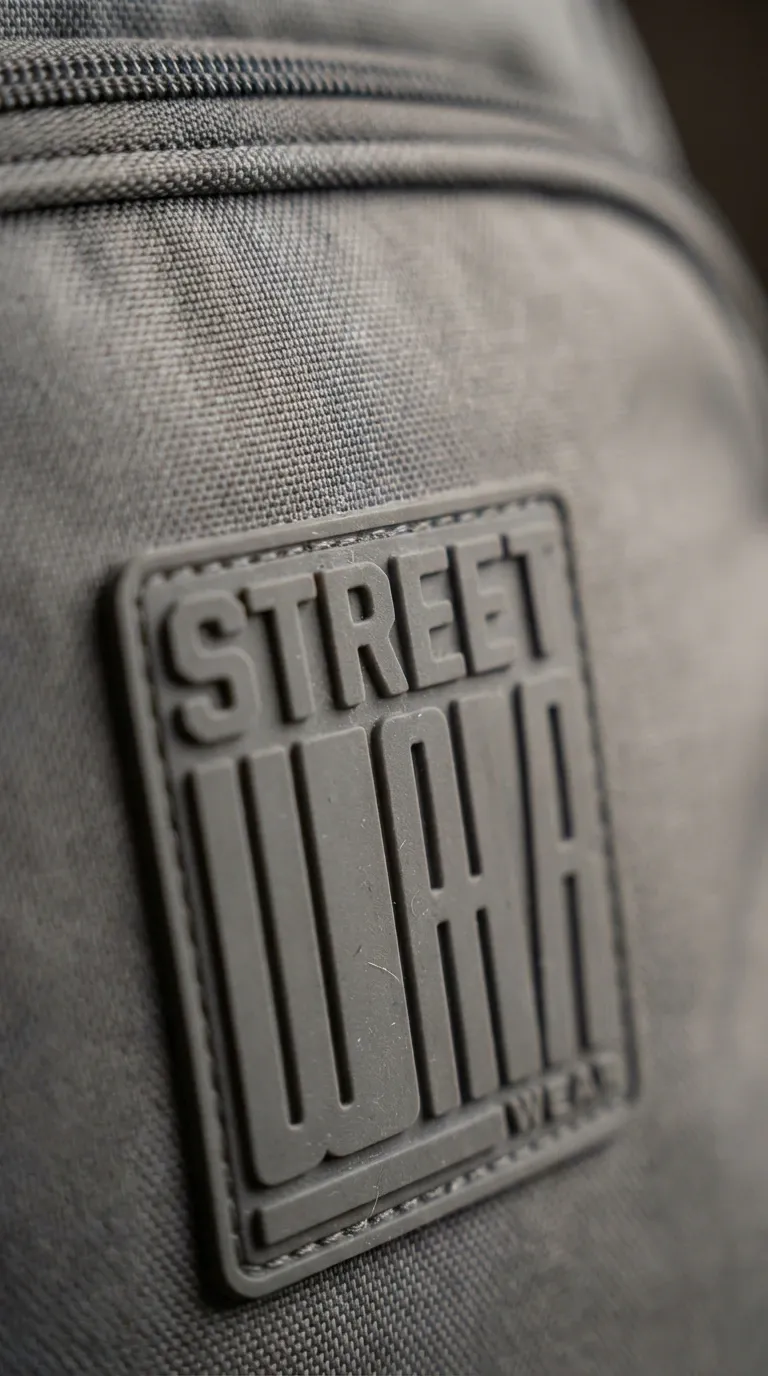
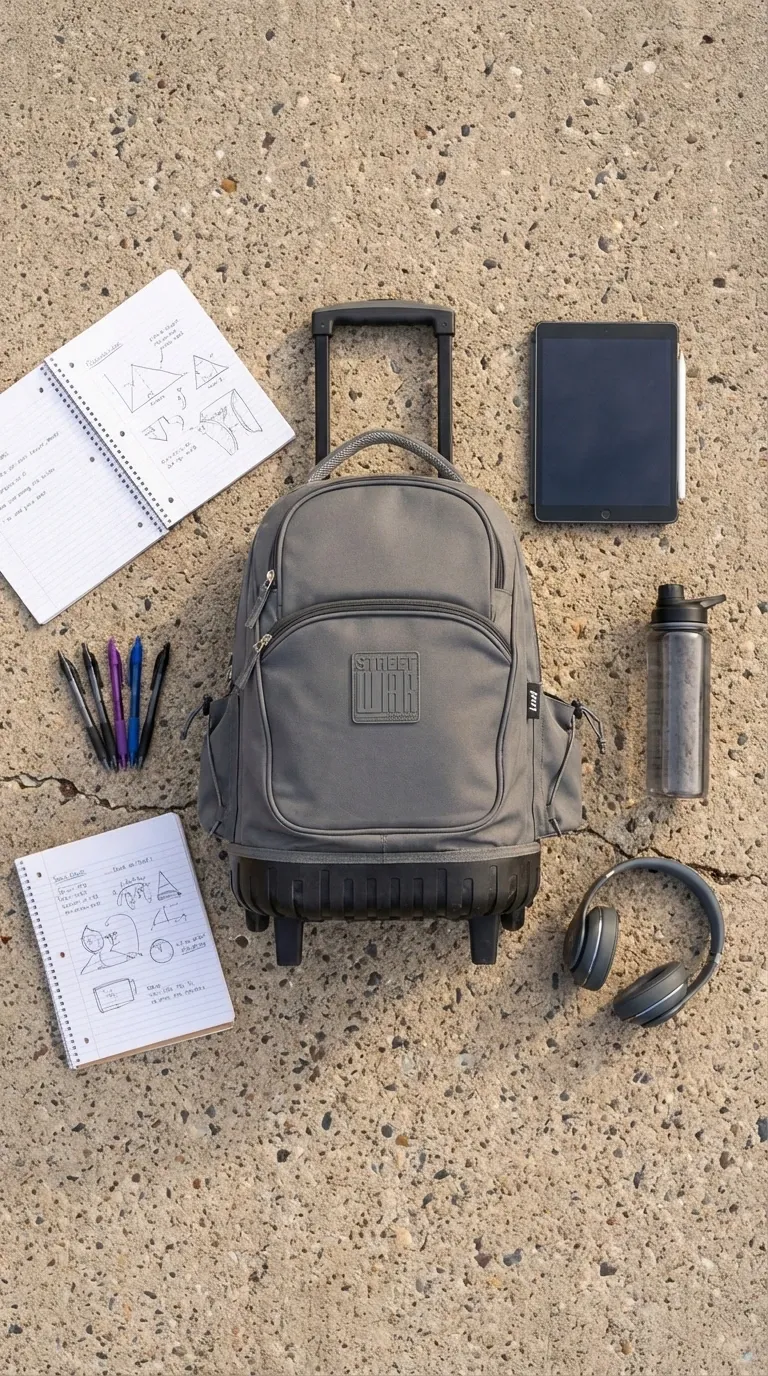
Cecchini, a well-known brand in the luggage and backpack market, has a strong Back to School line. In a demo, we started from one simple white background image and transformed it into multiple high-converting visuals.
Original studio image
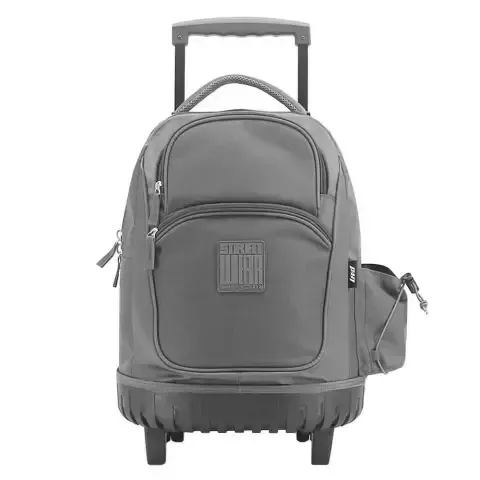
Ad creative version
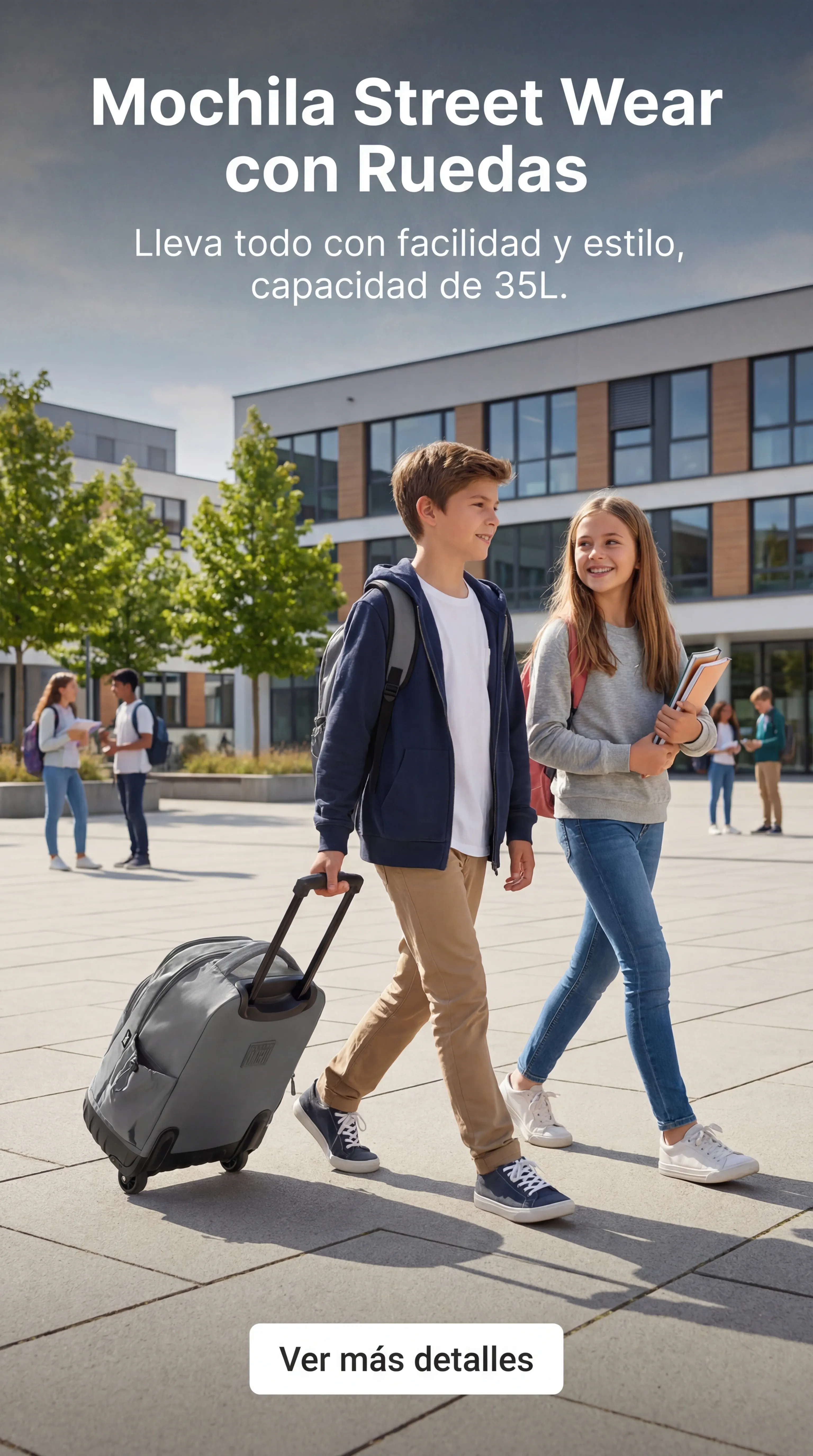
Retail style image
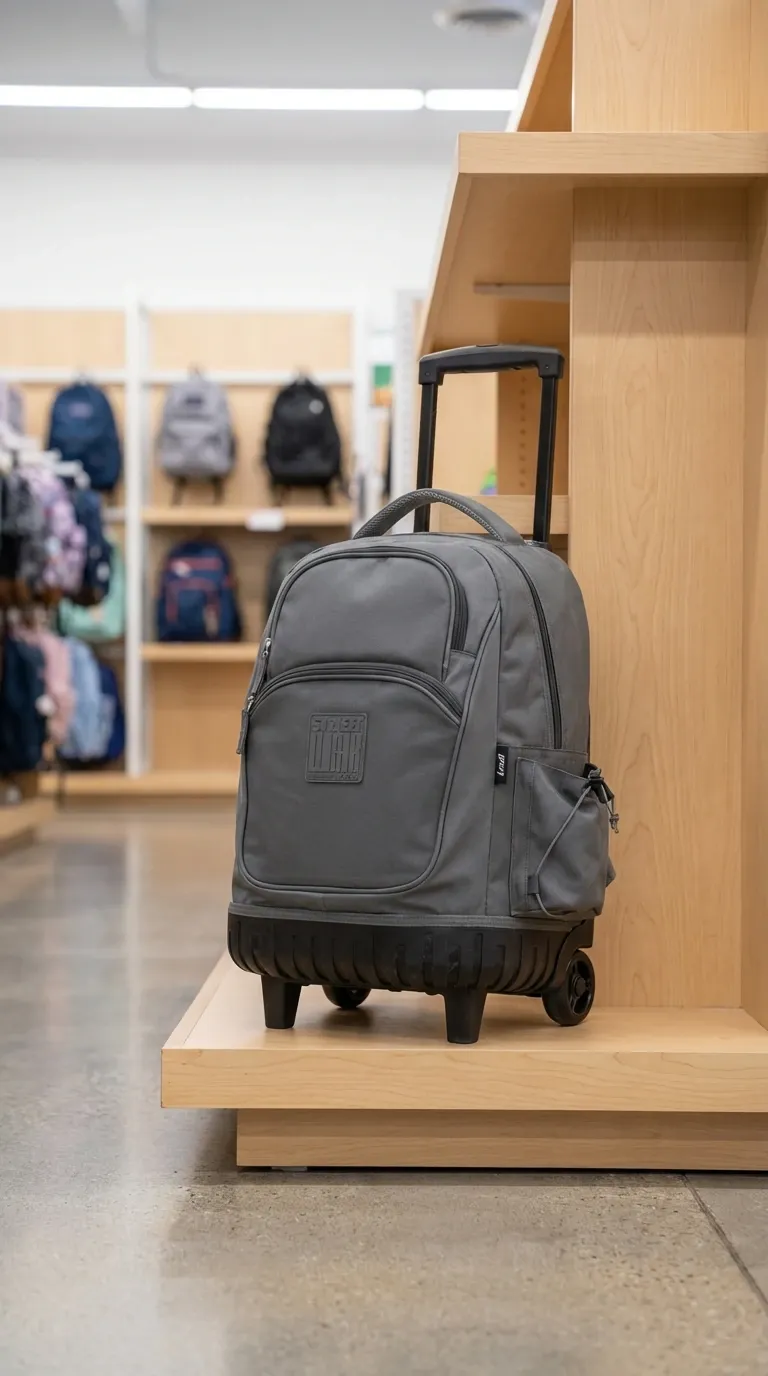
Macro detail image
Flat lay version
Lifestyle version
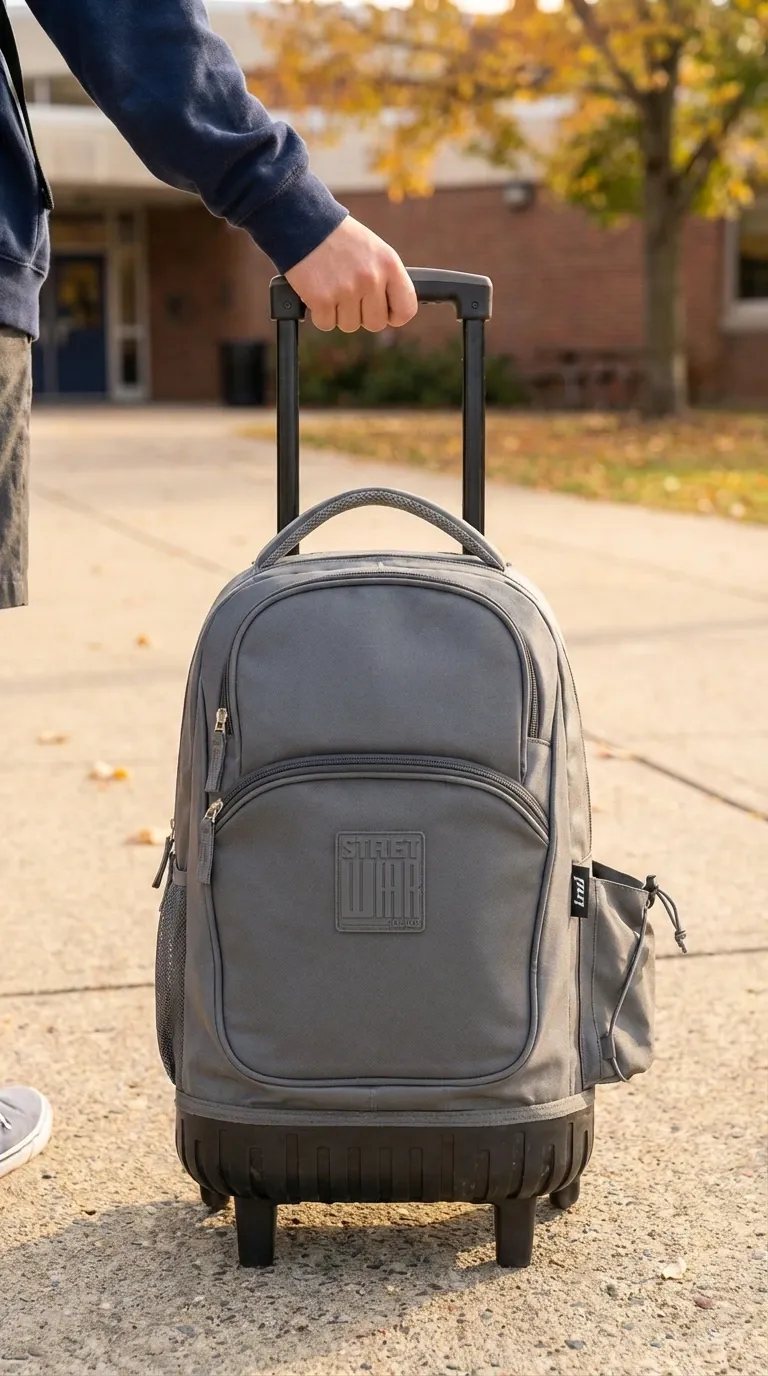
From one base image, we created multiple visuals ready for product pages and ads. That’s scalability. And scalability during seasonal peaks means higher revenue potential.
How to Prepare Your Nuvemshop with Shoptic
1) Connect your store
Integrate Shoptic with your Nuvemshop and access your existing catalog instantly.
2) Use the data you already have
Shoptic works with your current product names, categories and variations to automate visual generation.
3) Generate AI product photos
Create retail, detail and lifestyle images without scheduling a photo shoot.
4) Scale your entire catalog fast
Apply the same process to dozens or hundreds of products in hours — not weeks.
Ready to Scale Your Back to School Season?
With Shoptic, you can generate images of products with AI, improve product pages and increase operational speed without increasing costs.
Share article: