Generate AI Product Images Using Draft Mode with Only 1 Credit
Create AI product images using Shoptic Draft Mode with just 1 credit. Explore visual ideas in 512px and upscale the best results up to 4K resolution.
Generate AI Images in Draft Mode Using Only 1 Credit
With the latest Shoptic update, you can now generate images using Draft Mode, which allows you to create images using only 1 credit with the platform’s best AI.
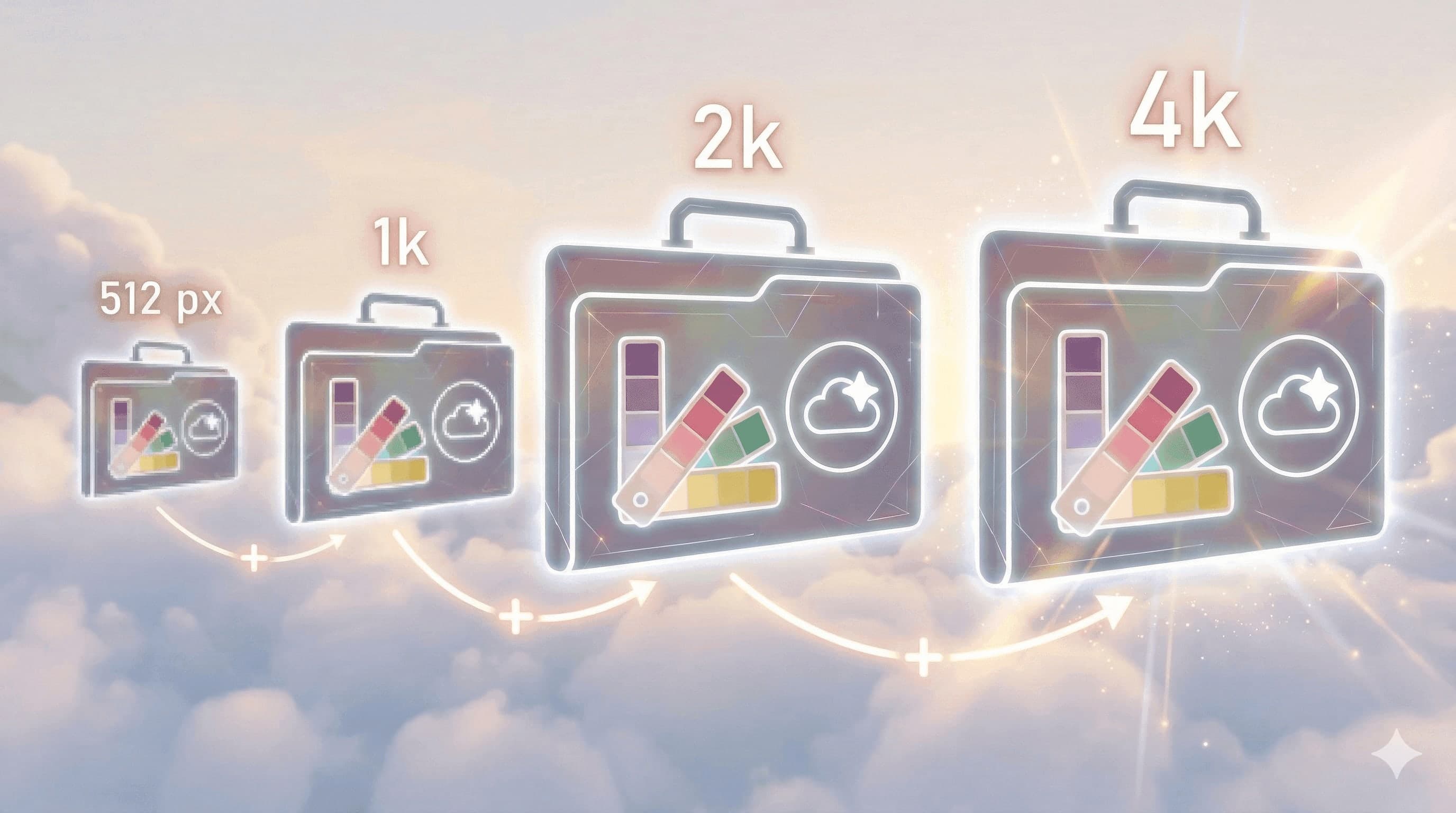
Images are initially generated in 512px, allowing you to explore ideas quickly. Once you find the image you like the most, you can upscale it up to 4K.
New AI model: faster and more consistent
The new AI model improves generation speed and visual consistency, making it easier to create high-quality product images for ecommerce.
Draft Mode: generate images using only 1 credit
Draft Mode generates images at 512px resolution using just 1 credit. This allows you to explore multiple visual ideas before creating the final high-resolution image.

Upscale images up to 4K
After selecting the best generation, you can use the Upscale feature to increase the image resolution.
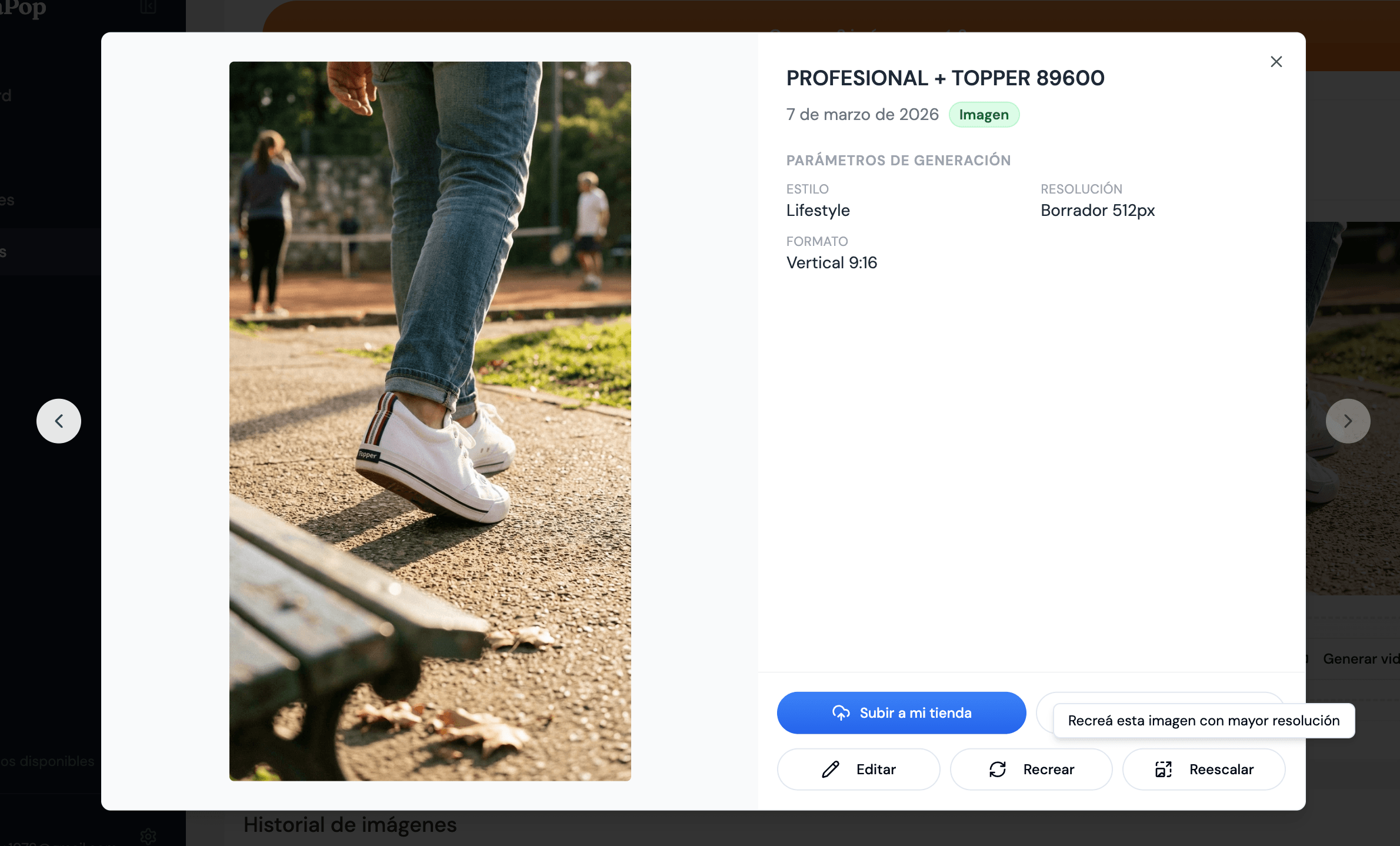

Compare the difference between 512px and 2K
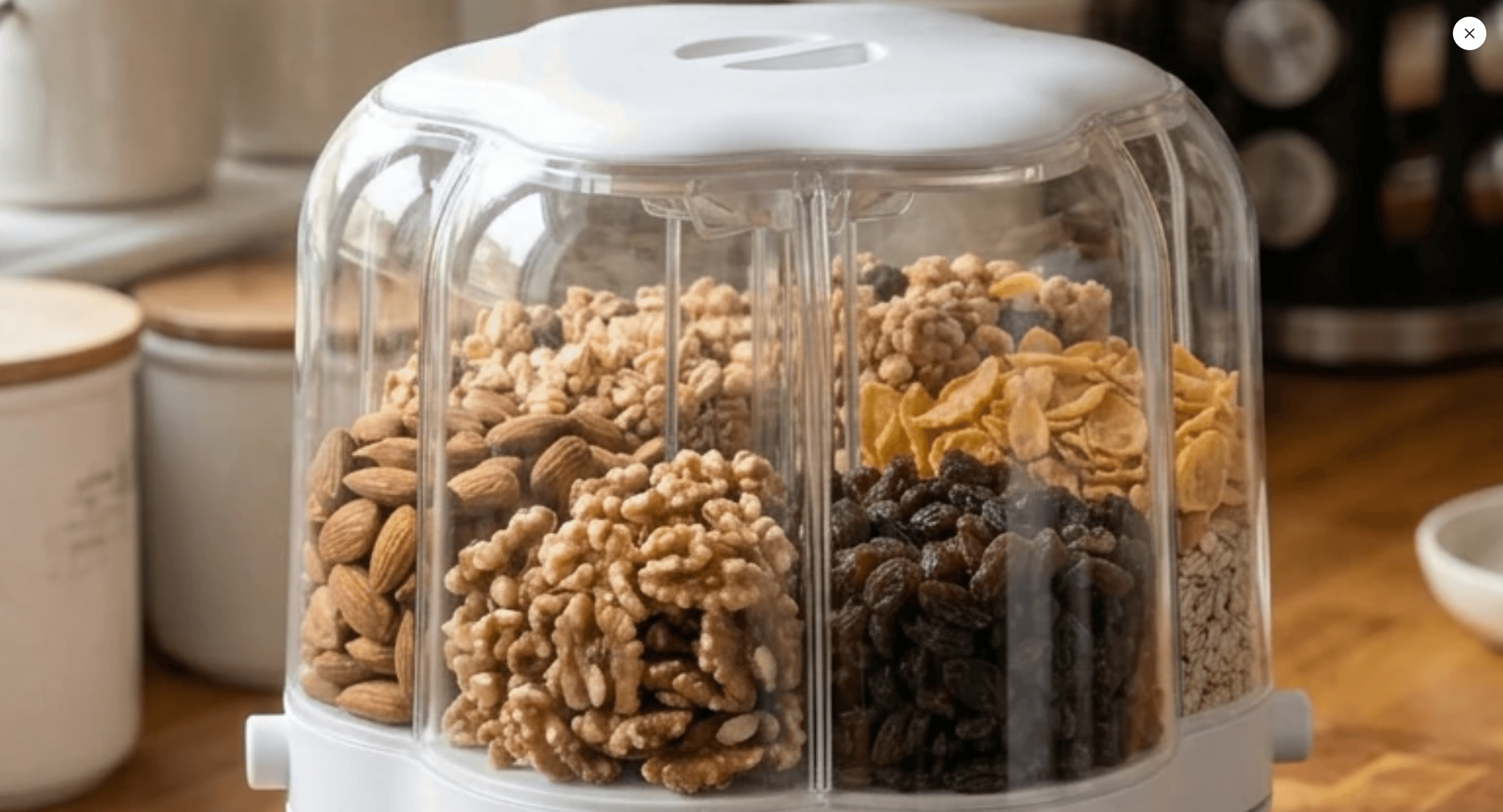
Drag the center slider to compare the image generated in Draft Mode with the upscaled image.

A smarter way to use your credits
Draft Mode allows you to explore multiple ideas before generating the final high-resolution image.
This helps you optimize your credits and choose only the best images to upscale.
Frequently asked questions
How many credits does Draft Mode use?
Each generation uses only 1 credit.
What resolution are images generated in?
Images are generated initially at 512px.
What is the maximum upscale resolution?
Images can be upscaled up to 4K.
Share article: