Shoptic is now available across Latin America for Tiendanube and Nuvemshop sellers
Shoptic is now available across Latin America for Tiendanube and Nuvemshop sellers. Generate professional product images in one click — no photo session, no designer.
A person selling online in Buenos Aires, Mexico City, or São Paulo faces the same challenge every month: producing professional product images without a photographer, without a designer, and without time to coordinate photo sessions every time a new collection ships.
Most end up taking photos with their phone. That works for the first few months. But as the store grows, that amateur look starts competing with brands that do invest in professional production — and the difference shows in conversion.
That changes today across the region.
Shoptic is the AI-powered image and content generation tool integrated with Tiendanube and Nuvemshop. It lets any seller produce professional product images without photo sessions, without a designer, and publish them directly to their online store in one click. Available across Latin America starting today.
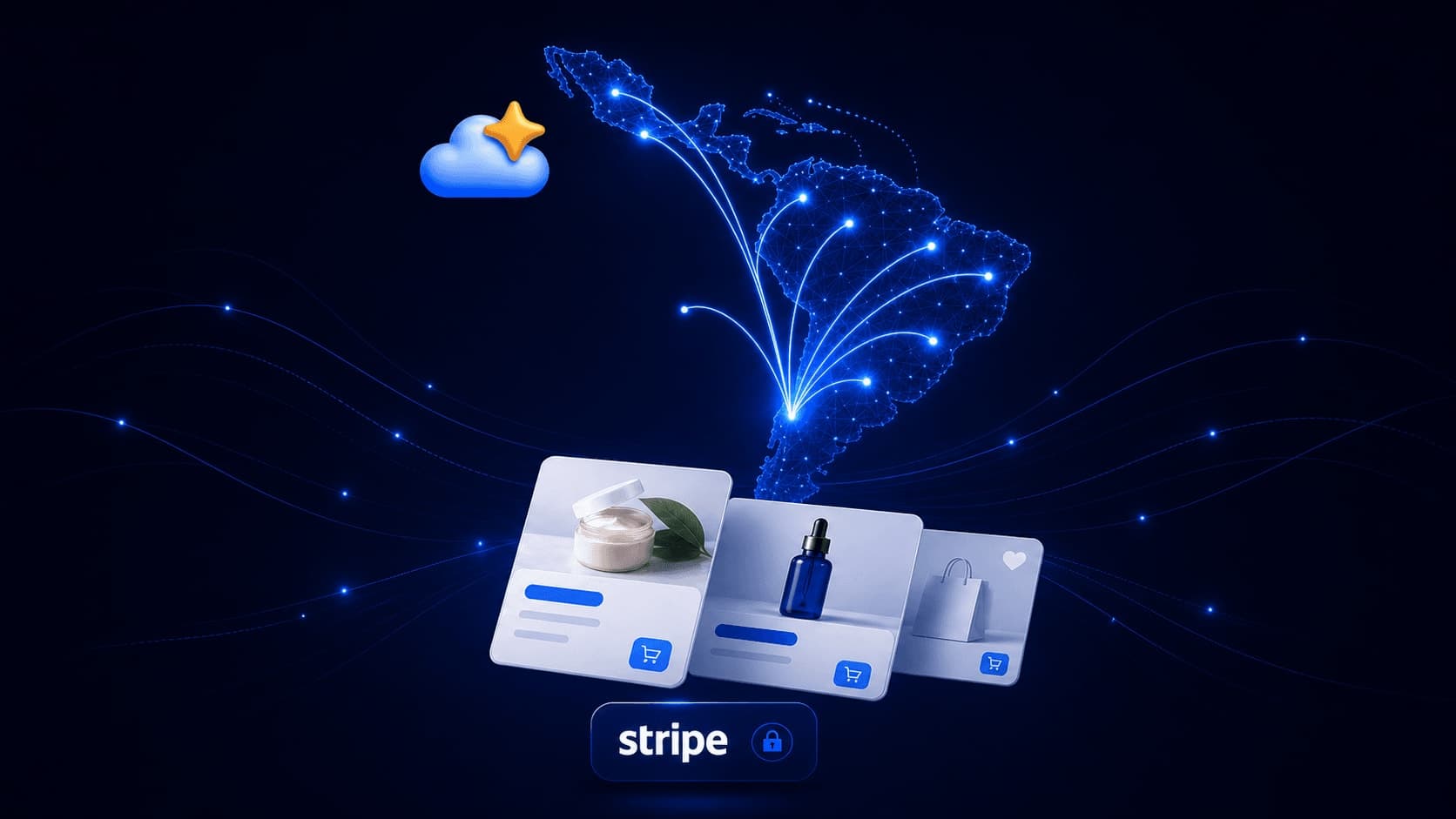
We migrated our payments infrastructure to Stripe — the last technical step we needed to process subscriptions in any currency and country across the region. From now on, any seller with a Tiendanube or Nuvemshop store can access Shoptic no matter where they're selling from.
What changes with the regional expansion
Until now we worked mainly with Tiendanube sellers in Argentina. The migration to Stripe lets us process subscriptions in any regional currency — Mexican peso, Brazilian real, Colombian peso, Chilean peso, US dollar, and others — and enables sellers on Nuvemshop Brazil and Tiendanube across Latin America to subscribe directly from their accounts.
The integration with Tiendanube and Nuvemshop keeps working exactly the same: Shoptic connects to the store, reads the products from the catalog, and lets you generate professional images that publish straight to the product listing. No downloading files. No uploading photos. No external editor.
The time you get back every week
The most concrete difference between Shoptic and other AI tools is the native integration with Tiendanube and Nuvemshop. That's what changes the entire flow.
On most AI image generation platforms, the seller has to:
- Download the original photos from their store.
- Upload them to another platform.
- Write prompts explaining what they want to achieve.
- Try several times to get a decent result.
- Download the final files.
- Re-upload them to the store manually.
- Edit each product page, one by one.
Each of those steps takes time and attention. Multiply that by the number of products in the catalog and every new collection that ships, and it ends up being several hours a week on tasks that have nothing to do with selling.
In Shoptic, none of those steps exist.
You connect your store once. From there you pick a product from your Tiendanube or Nuvemshop catalog, pick a style, and generate the image. If you like it, you publish it straight to the product listing.
| What you usually do | What you do in Shoptic |
|---|---|
| Download product photos | Connect your store once |
| Upload them to another platform | Nothing to upload |
| Write prompts and explain what you want | Pick a style from a menu |
| Try several times | The system handles it internally |
| Download the files | No files to move |
| Upload the new images to your store | Publish directly from Shoptic |
| Edit each listing | The listing updates itself |
The time that used to go into producing content can now go into selling, customer support, and growing the business.
Available styles for your category
The catalog covers the formats most used in ecommerce — and each category has a style that works best:
| Category | Recommended style |
|---|---|
| Apparel and fashion | Lifestyle, Studio |
| Jewelry and accessories | Macro Details, Flat Lay |
| Home and decor | Lifestyle, Retail In Situ |
| Beauty and cosmetics | Studio, Flat Lay |
| Food and beverage | Lifestyle, Macro Details |
| Sports | Action, Lifestyle |
What works for a fashion store in Mexico City might be different from what works in Buenos Aires or Santiago — Shoptic adapts the result to the chosen style without the seller needing to configure anything.
How to connect your store in five steps
The flow is the same in any country across Latin America:
- Go to the Shoptic home page and create your account.
- Connect your Tiendanube or Nuvemshop store with one click — we use the official integration of each platform.
- Pick a product from your catalog and a style.
- Generate the image.
- Publish it straight to your store without leaving Shoptic.
No files to download or upload. No technical configuration. The account stays active with credits so you can try it out before choosing a plan.
Availability and plans
Shoptic is available starting today in every country where Tiendanube and Nuvemshop operate. The platform runs in Spanish, Portuguese, and English — the interface detects the seller's language automatically. Subscriptions are billed in local currency by country.
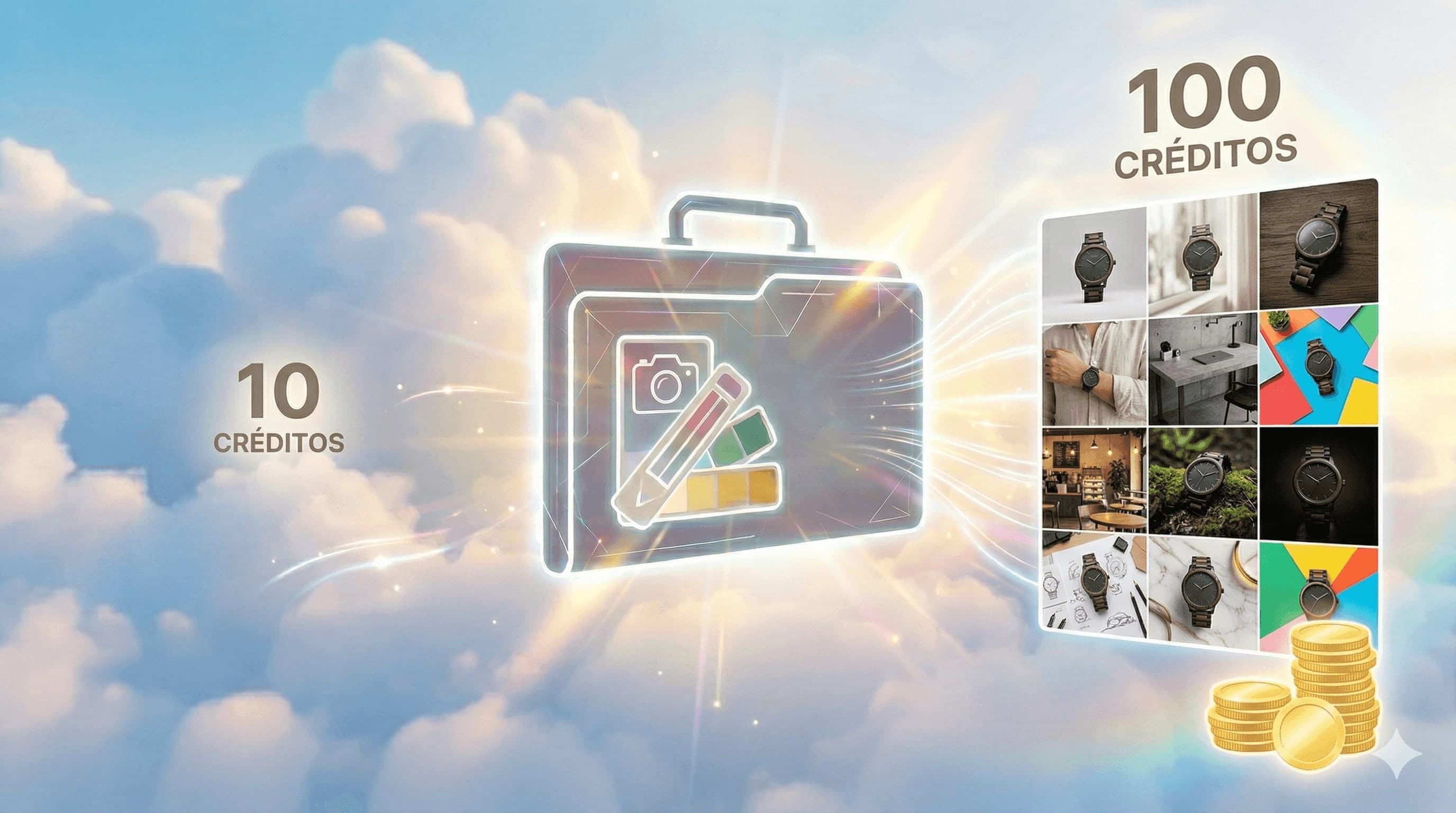
When you create a new account you get credits to generate your first images and see the result in your store before choosing a paid plan.
Related articles
- How to optimize your ecommerce product pages
- The real cost of generating AI images on your own vs using Shoptic
- How to improve product photos on Tiendanube without photo sessions
Frequently asked questions
In which countries is Shoptic available?
Shoptic is available across Latin America — including Argentina, Mexico, Brazil, Colombia, Chile, and the other countries where Tiendanube and Nuvemshop operate. If you have a store on either platform, you can use Shoptic.
How does Shoptic connect to Tiendanube and Nuvemshop?
We use the official integration of each platform. You connect your store with one click from the Shoptic app, and from that moment the tool can read your catalog and publish images directly to product listings.
Do I have to download images to use them?
No. Shoptic publishes generated images directly to the product listing on Tiendanube or Nuvemshop. There are no files to download or upload.
Do I need to know AI or write prompts?
No. Shoptic is built so any seller can generate professional images without knowing anything about AI, prompts, or technical configuration. You pick a product, pick a style, and the system handles the rest.
What currency is the subscription billed in?
With the Stripe migration, we can process subscriptions in Mexican peso, Brazilian real, Colombian peso, Chilean peso, US dollar, and other local currencies depending on the seller's country.
What language is the platform in?
Shoptic is available in Spanish, Portuguese, and English. The interface detects the seller's language automatically.
Can I try Shoptic before paying?
Yes. When you create your account you get credits to generate your first images and see the result in your store before choosing a plan.
Start generating images that sell
Connect your Tiendanube or Nuvemshop store and generate your first professional image in under a minute. Start free with Shoptic →
Share article: